A cellular lockbox built into the leasing process
Remo handles the renter. The eSIM lockbox handles the door. A prospect can book a self-guided tour, verify their identity, and receive access without a property Wi-Fi network or a trip from your team.
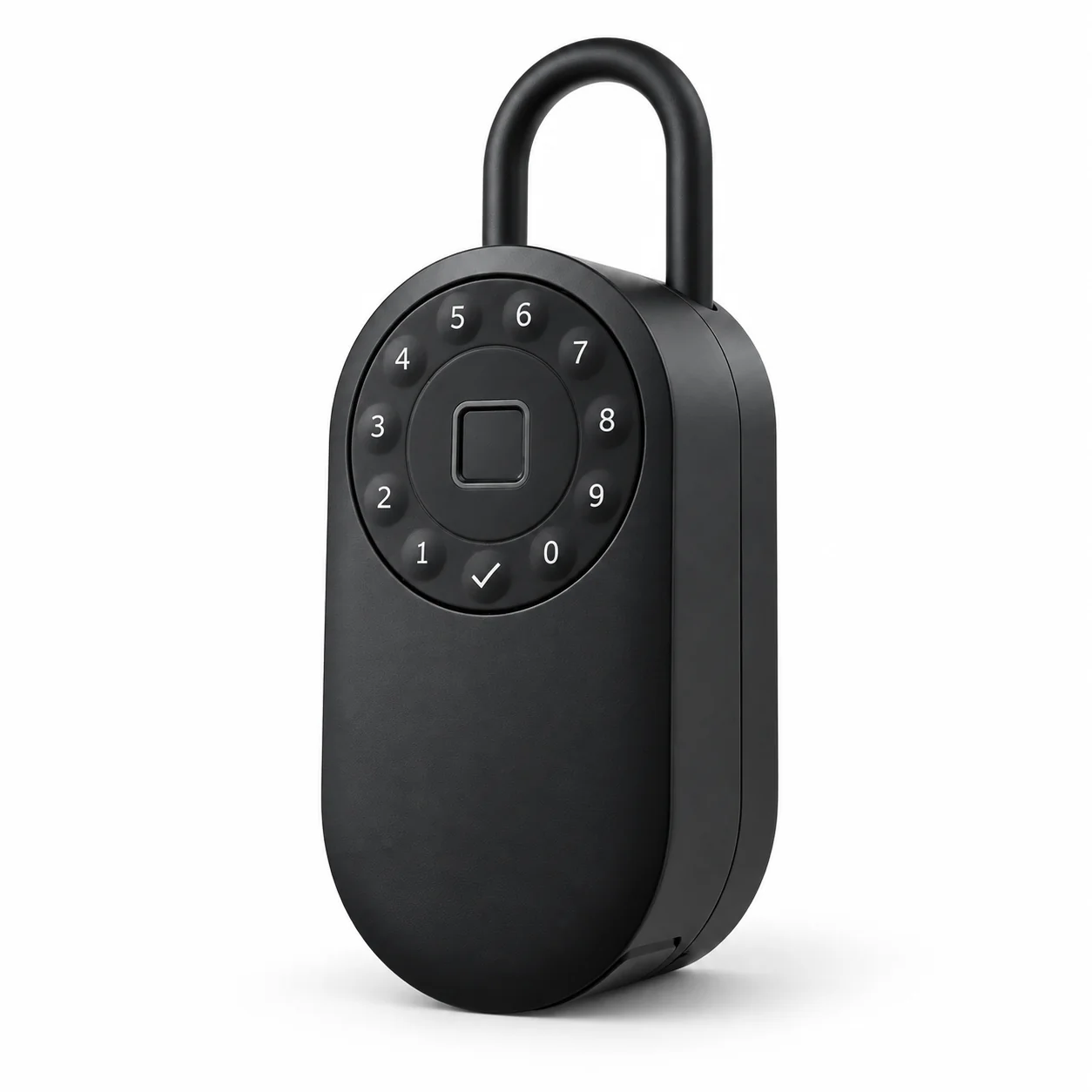
The lockbox is part of the tour
MyRemotely ties an issued code to a verified renter and a showing. A code-use record alone cannot prove who physically entered.
Remo books the tour
The renter asks about a unit and chooses a real open time. Remo sends the next steps by text or email.
The visitor verifies their identity
A government ID scan and selfie match happen before the visitor receives a code.
The lockbox grants access
When the device is connected, a temporary PIN works for the scheduled window. A preloaded daily fallback code may be used when it is offline. The system records the codes and available access events.
Remo follows up
After the tour, the conversation stays in one thread while the renter decides whether to apply.
No property internet to set up
The built-in eSIM connects the lockbox to the platform over cellular service.
You do not need a router or an active home internet account at the vacant unit. Where the device has cellular coverage, your team can manage access remotely and see its status.
Cellular service can still drop. MyRemotely loads daily fallback codes on supported locks so a tour can continue when a device is offline. A fallback code lasts for a day, rather than one tour window. Live status and remote commands need a connection.
What your team can manage
One access record sits beside the inquiry and tour, instead of in a separate key log.
- Access
- Remote lock and unlock, temporary PINs, and scheduled access windows when the device is connected.
- Visibility
- Access history plus device and battery alerts in the web and mobile management tools.
- Visitor check
- Government ID scanning and a selfie match before a self-guided visitor receives access.
- Other doors
- MyRemotely also supports TTLock and Sifely hardware. Your own cellular lockbox and other supported locks can take part in the same tour workflow.
Buy the device. Pay for its connection.
There is no hardware rental. The lockbox stays yours.
You pay once for each device, then pay a cellular subscription per device. Amazon / Individual is the self-serve retail option. Small Landlord and larger plans are direct purchases through MyRemotely, including when you start with one door.
The subscription includes remote access, temporary PINs, scheduled access, history, and device alerts. See every current price and plan →
A cellular connection needs coverage. Ask us about the locations and access rules in your portfolio before you buy devices.
Questions about the lockbox
Does this lockbox need Wi-Fi?
No. Its built-in eSIM uses cellular service. It does not need the vacant property's Wi-Fi or home internet account.
Can I manage it from another location?
Yes, when the lockbox has a cellular connection. You can manage temporary access and check its status through MyRemotely.
What happens when cellular service is unavailable?
Supported locks can use preloaded daily fallback codes. These codes have a day-long validity, not the narrower tour window. Remote commands and live status resume when the device reconnects.
Can it work with other locks on the unit?
Yes. MyRemotely also supports TTLock and Sifely hardware. A self-guided tour can use one code across the supported locks assigned to that unit.
Let the next vacancy rent itself
Twenty minutes on a call and you'll know whether this fits your portfolio. If it doesn't, we'll say so.
Book a demoNo annual contract · You keep the locks
Or reach us at info@myremotely.ai · (312) 572-9948